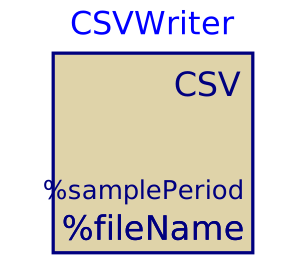
modelCSVWriter

Extends from IBPSA.Utilities.IO.Files.BaseClasses.FileWriter (Partial model for writing results to a .csv file).
Information
This model samples the model inputs u and saves them to a .csv file,
which can be read using e.g. Excel or Python.
Typical use and important parameters
The parameter nin defines the number of variables that are stored.
In Dymola this variable is updated automatically when inputs are connected to the component.
The parameter fileName defines to what file name the results
are stored. Results are saved in the current working directory
unless an absolute path is provided.
The parameter samplePeriod defines every how many seconds
the inputs are saved to the file.
Options
The parameter delimiter can be used to choose a custom separator.
By default the first line of the csv file consists of the file header.
The column names can be defined using parameter headerNames.
The header can be removed by setting writeHeader=false
Dynamics
This model samples the outputs at an equidistant interval and hence disregards the simulation tool output interval settings.
Parameters
| Type | Name | Default | Description |
|---|---|---|---|
| Integer | nin (from FileWriter) | Number of inputs | |
| String | fileName (from FileWriter) | getInstanceName() + ".csv" | File name, including extension |
| Modelica.SIunits.Time | samplePeriod (from FileWriter) | Sample period: equidistant interval for which the inputs are saved | |
| Advanced | |||
| String | delimiter (from FileWriter) | "\t" | Delimiter for csv file |
| Boolean | writeHeader (from FileWriter) | true | =true, to write header with variable names, otherwise no header will be written |
| String | headerNames (from FileWriter) | {"col" + String(i) for i in 1:nin} | Header names, indices by default |
Connectors
| Type | Name | Default | Description |
|---|---|---|---|
| Modelica.Blocks.Interfaces.RealVectorInput | u (from FileWriter) | Variables that are saved |
Revisions
-
July 7, 2018 by Filip Jorissen:
First implementation. See #924.