
modelParkVerification
Park transforms verification
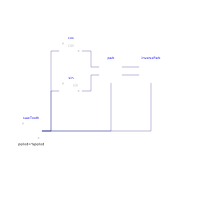
Extends from Modelica.Icons.Example (Icon for runnable examples).
Information
This example provides some easy input for the Park transform blocks to check that calculations are being done as expected. Run the simulation and you should get something like the following figure:
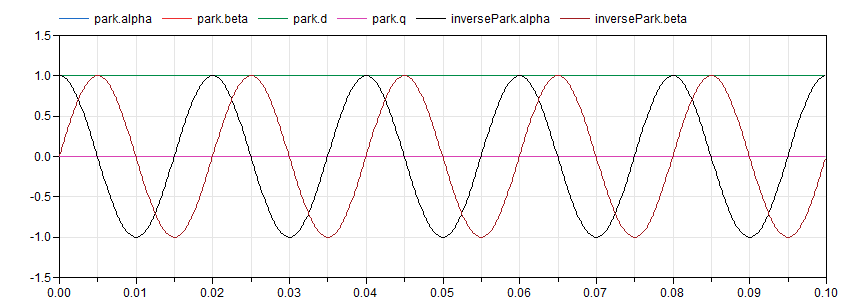
As expected, d is equal to the peak amplitude of the input signal and q sets at zero. Feeding the signals back to the inverse transformation block recreates the original signals (which overlap them on the plot).
Components
| Type | Name | Default | Description |
|---|---|---|---|
| Control.Park | park | ||
| Control.InversePark | inversePark | ||
| Modelica.Blocks.Sources.SawTooth | sawTooth | ||
| Modelica.Blocks.Math.Sin | sin | ||
| Modelica.Blocks.Math.Cos | cos |